Screens have defined computing for fifty years. The desktop gave way to the laptop, which gave way to the phone, which gave way to the watch. Each step made the screen smaller and closer to your body. The next step removes it.
Zero UI is a design approach where the interface itself disappears. You speak, move, or simply exist in a space, and the system responds. No tapping through menus. No staring at a grid of icons. The technology reads your intent through voice, gesture, biometrics, and environmental sensors and acts on it.
Amazon’s Alexa answers a question before you’ve picked up a phone. Apple Face ID unlocks your device before your thumb finds the button. Your living room lights come on when you walk through the door. None of these require you to look at anything. For tech enthusiasts and professionals who want to share insights on these innovations, you can also write for us technology, contributing your expertise to inspire others.
The Technologies That Make It Possible
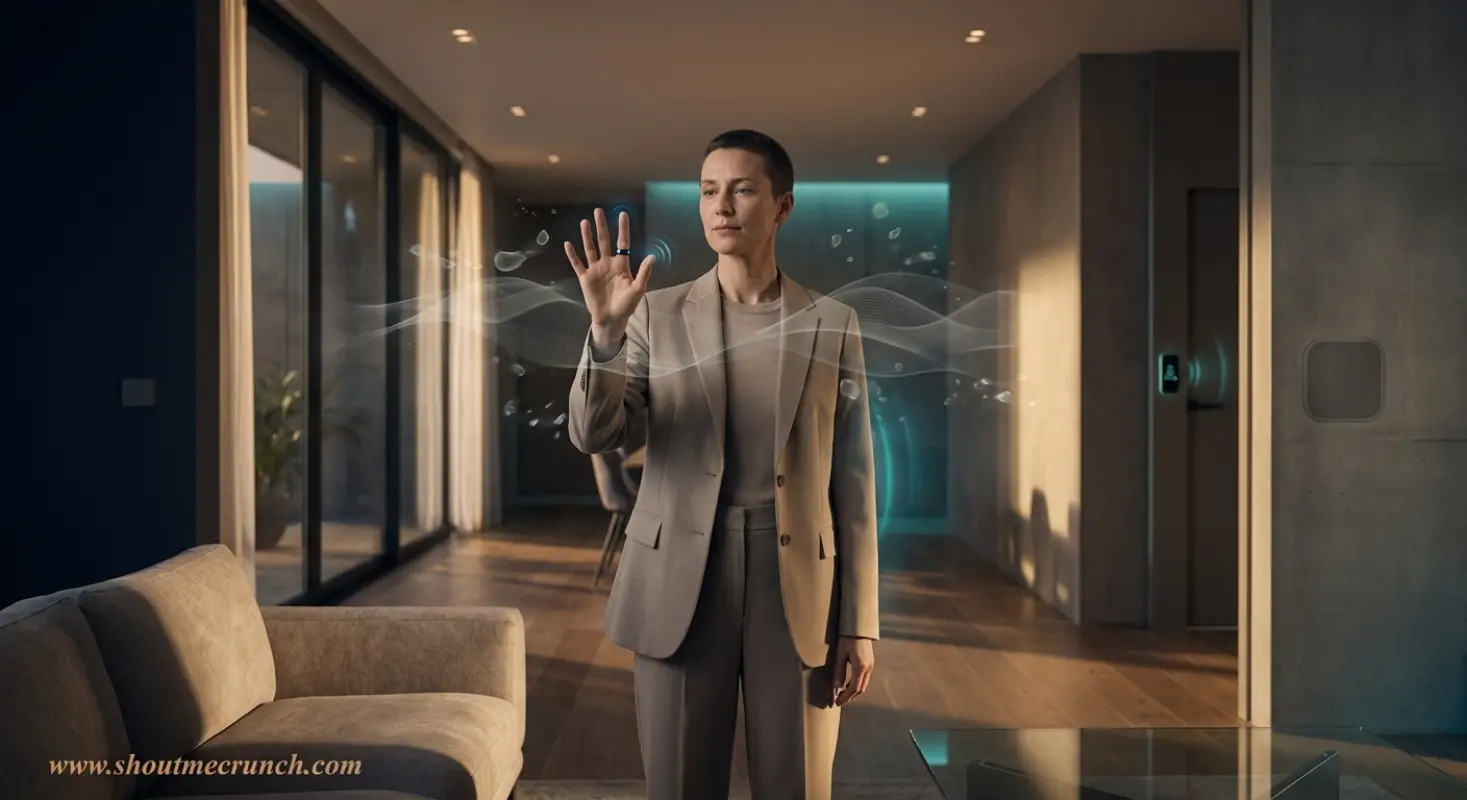
Zero UI draws on several mature and converging fields.
Voice recognition and natural language processing sit at the center. Modern NLP systems handle conversational phrasing well enough that you can ask a question the way you’d ask a colleague, not the way you’d type into a search box. Automotive systems from Tesla and others now let drivers navigate, call contacts, and adjust settings through speech, reducing the number of times their eyes leave the road.
Sensor networks and context awareness do the heavy lifting in smart environments. Presence sensors detect when you enter a room. Thermostats learn your schedule and adjust before you feel cold. Retailers track foot traffic and adjust store conditions without a single customer interaction. The system reads the environment and responds; you don’t initiate anything. Tools like Fyptt can further support designers in evaluating usability and interaction quality, ensuring that even as interfaces move beyond screens, the overall user experience remains intuitive and effective.
Gesture control uses cameras, LiDAR, and infrared sensors to read physical movement. In AR devices and some smart TVs, you swipe through content by moving your hand in the air. Surgeons use gesture systems in sterile environments where touching a screen is not an option.
AI and behavioral prediction push Zero UI past simple command-and-response. Spotify doesn’t wait for you to search for a song; it queues music based on your listening history and the time of day. Predictive systems in logistics and healthcare flag issues before a human notices them. The interface recedes further when the system starts acting before you ask.
Biometrics handle authentication. Face ID, fingerprint sensors, and voice identity verification remove the password from the equation. You arrive, and the system recognizes you.
Where It’s Already Working
Healthcare has adopted Zero UI out of necessity. Physicians dictate notes to voice systems during patient visits rather than typing into electronic health records. Wearables monitor heart rate, blood oxygen, and sleep without the patient doing anything. The data moves to the care team automatically.
Industrial and field environments present similar constraints. Workers wearing gloves or handling equipment can’t use touchscreens. Voice commands and heads-up displays let them pull up schematics, report problems, and log data without stopping what they’re doing.
Voice commerce on Amazon Echo works because the friction of buying something dropped below the threshold that stops people. You say “order more paper towels” and it’s done. The interaction takes three seconds.
The Real Problems
Voice recognition still fails in noisy environments. Anyone who has tried to use Siri in a car with the windows down knows this. Accents, background noise, and unusual phrasing all degrade accuracy. The error rate in consumer voice systems has improved significantly, but errors in critical settings, like a healthcare worker dictating a dosage, carry consequences that a mistyped search query does not.
Always-listening devices collect data continuously. Amazon, Google, and Apple store voice recordings. Their privacy policies and data retention practices are not consistent, and users rarely read them. Several governments are now drafting AI governance rules that address ambient data collection, but enforcement lags behind deployment.
The absence of visual feedback creates its own problems. A screen gives you confirmation: you see the button change, the form submit, the file save. Audio feedback, a chime or a spoken response, can be missed or misinterpreted. Designers building Zero UI systems have to rethink how users know the system heard them and acted correctly.
AI also misreads ambiguous commands. Emotional tone, regional phrasing, and context all affect meaning in ways that current models handle inconsistently. “Call my wife” works. “I need to reach out to the person I usually talk to on Tuesday mornings” may not.
The Comparison That Matters
Traditional UI asks you to learn the system’s logic: where the settings are, how the menu is organized, what the icons mean. Zero UI asks the system to learn yours.
That shift transfers the cognitive burden. You stop navigating and start communicating. Speed improves; studies have consistently found that voice input runs faster than typing for most tasks. Accessibility improves; users who can’t manipulate a touchscreen can speak, and users who can’t see a screen can still interact with a system.
The tradeoff is reliability. A button click either works or it doesn’t. A voice command sits on a probabilistic curve where accuracy depends on conditions you don’t always control.
Designing a Zero UI System
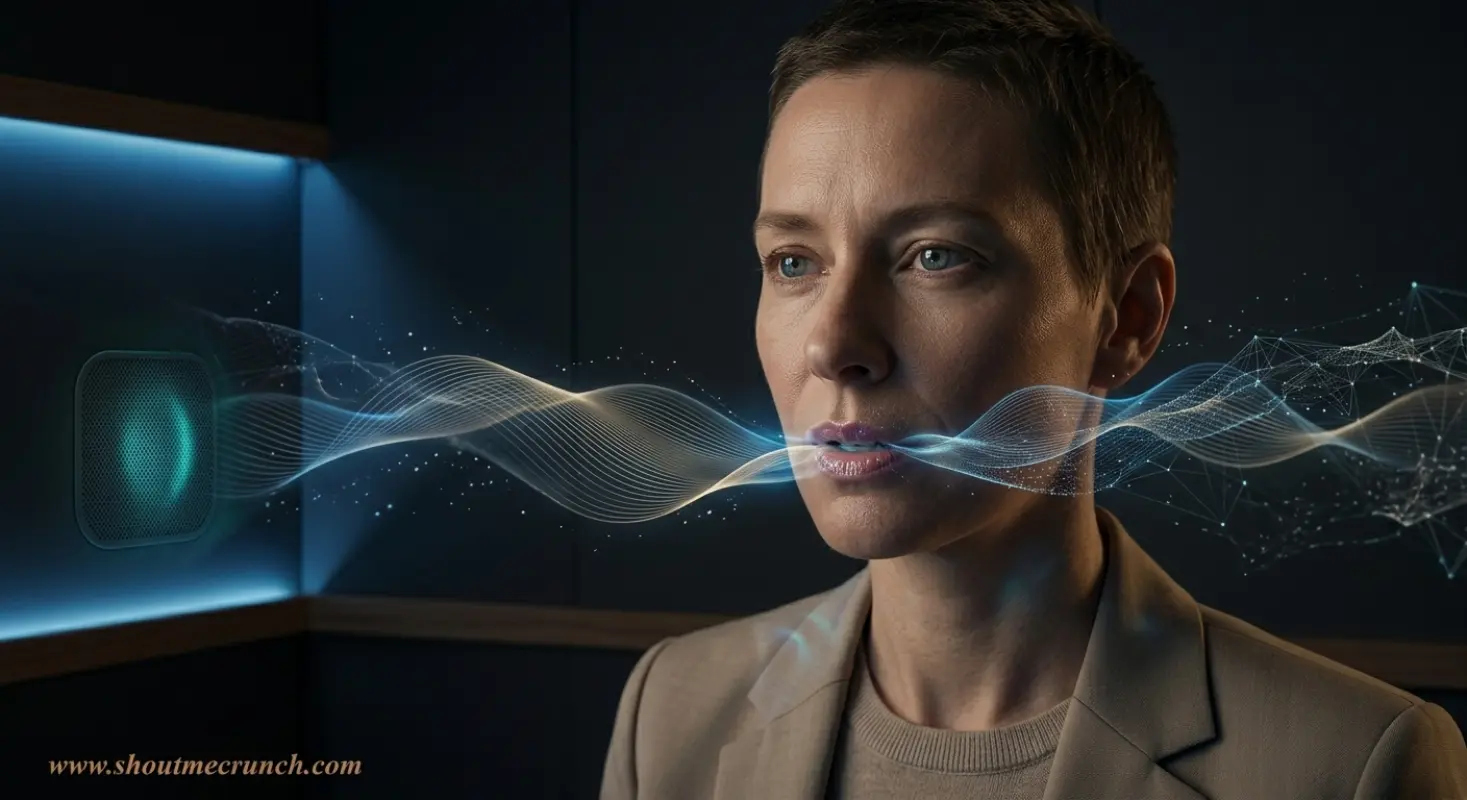
Before choosing an input method, you need to understand where and how someone will use it. A voice system in a hospital corridor competes with background noise and privacy concerns. A gesture system in a factory competes with heavy gloves and limited lighting. The context defines the constraints more than the technology does.
Feedback design becomes critical. When there’s no screen, users need other confirmation that the system received their input. Audio cues, haptic responses, and ambient lighting changes (a lamp that shifts color when it hears a command) all serve this function. Skip this step and users repeat commands, lose trust, and abandon the system.
Privacy architecture needs to be explicit from the start, not patched in later. Users who don’t trust a device to stop listening will either not use it or cover the microphone with tape. Transparent data policies, clear opt-outs, and local processing (running inference on the device rather than sending audio to a server) all reduce that friction.
Where This Goes
The next generation of Zero UI systems won’t wait for a command at all. Context-aware devices will monitor your environment and act preemptively. Your calendar blocks the afternoon, your location shows your home, and your thermostat shifts to a different mode without you saying a word.
MIT researchers studying context-aware computing have argued that within a decade, environmental sensing will replace most routine screen-based workflows. The evidence from smart home adoption supports that timeline, though it also shows that the transition depends more on trust than on capability. The technology to automate most of this exists now. Users aren’t fully convinced yet that they want it running in the background of their lives.
Screens won’t disappear. Complex decisions, creative work, and anything requiring fine-grained review will keep pulling people back to visual displays. Zero UI will take over the routine, repetitive, and hands-busy parts of daily life, and leave the rest to whatever comes after the smartphone.
The clearest sign of good interface design is that you stop noticing the interface. Zero UI takes that principle to its limit.